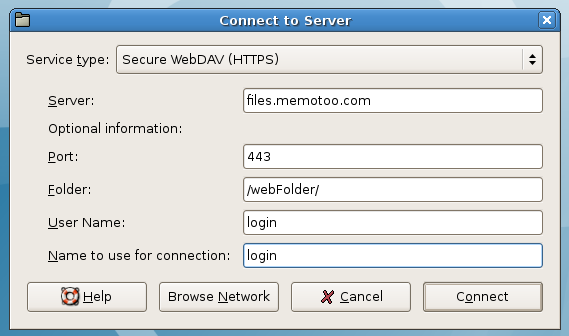
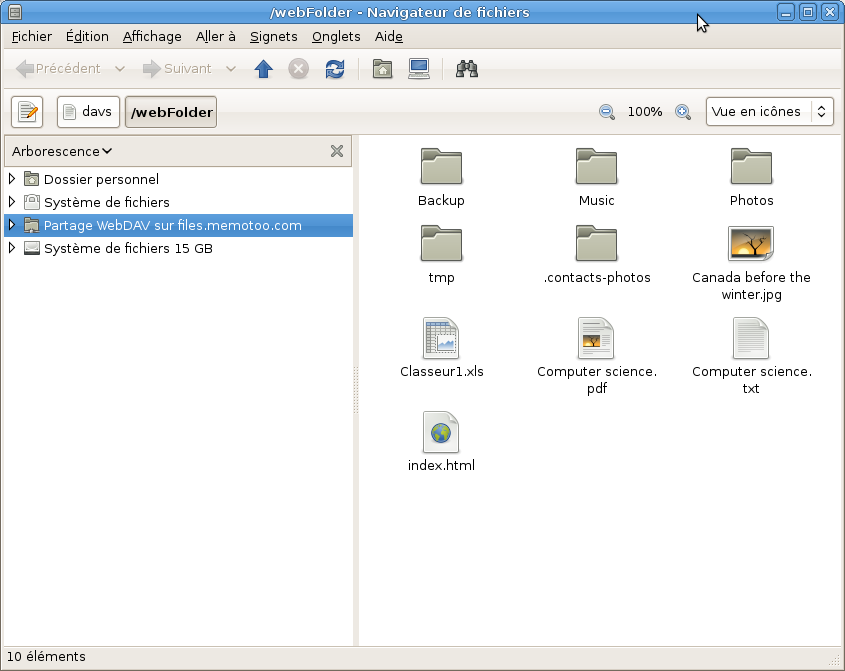
Access your files through a Web Folder (WebDAV)
What are Web Folders? |
|
A Web Folder is a virtual drive which contents (files and folders) are hosted on a website. This folder uses WebDAV technology / DAV Protocol and you can work with your files as if they were on your local hard drive. So you can access your files from any computer connected to the Internet!
|
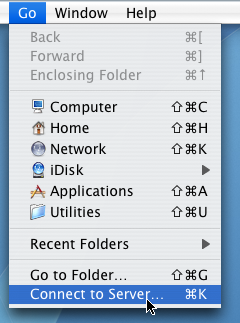
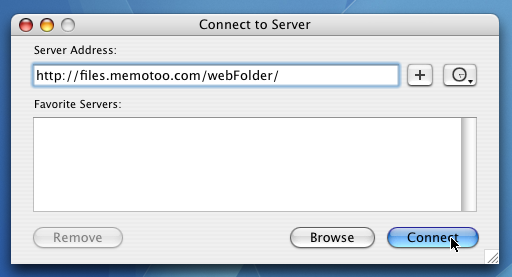
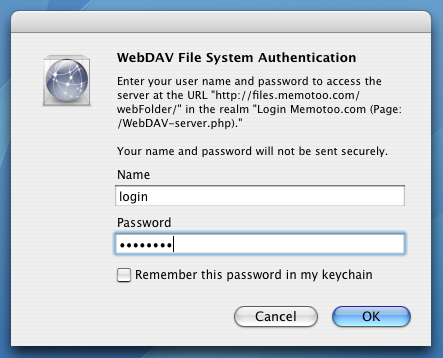
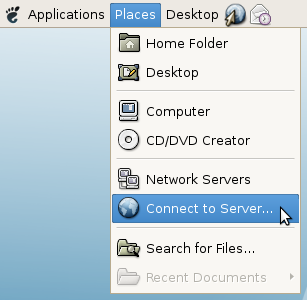
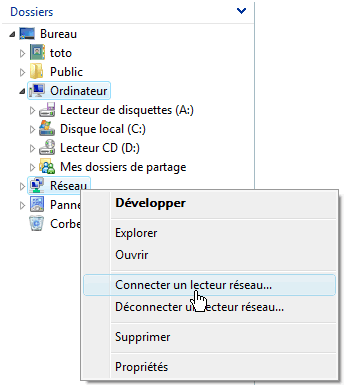
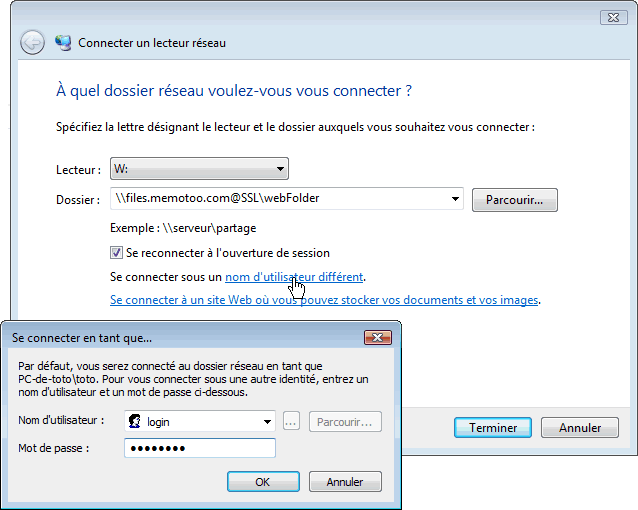
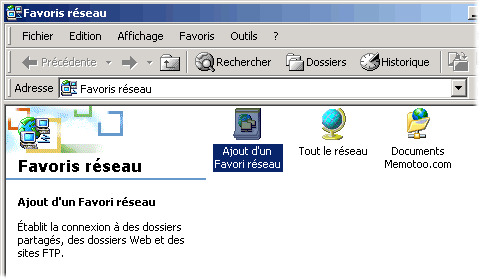
How to install a Web Folder: |
|


 https://files.memotoo.com/webFolder/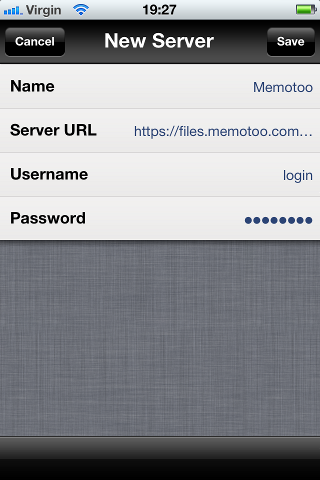
 Use demo as login and password to test the Web Folder
 Server Add
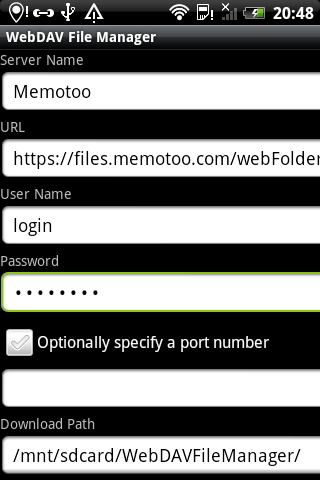



 NetDrive
 NetDrive